- calendar_today August 22, 2025
In consumer technology, artificial intelligence typically manifests as a loud, eye-catching, and occasionally overpowering fireworks display. However, Microsoft’s strategy with Windows 11 is a welcome departure. They are improving the apps that people currently use rather than introducing ostentatious new tools or interfaces.
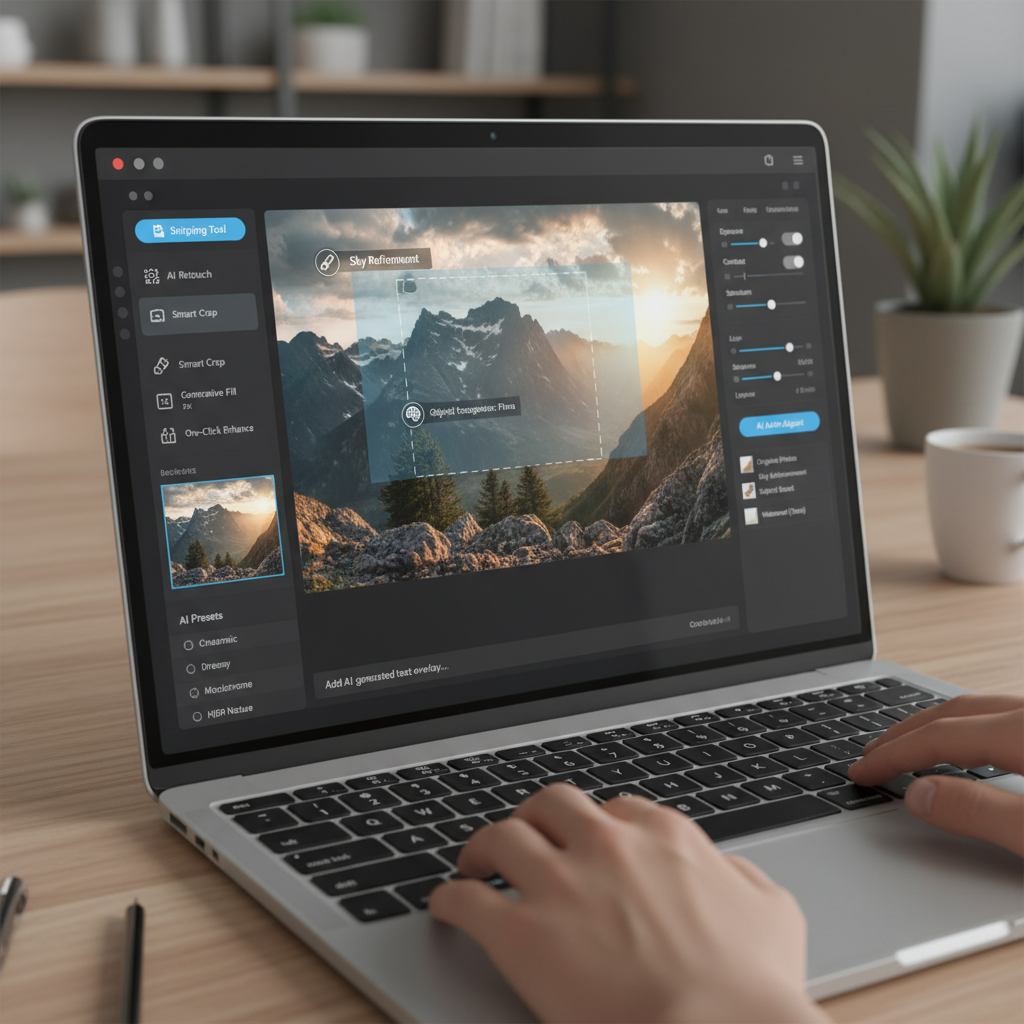
Indeed, programs such as Snipping Tool, Photos, and even Microsoft Paint are becoming increasingly intelligent. These downloads and subscription services are not brand-new. Simply put, they are improved versions of the known. And for that reason, this update is very exciting.
Is it possible to copy text from screenshots? Sure, please
Let’s start with the Snipping Tool, which you may already use occasionally. It’s straightforward, practical, and hasn’t changed much up to this point. However, Microsoft is incorporating optical character recognition (OCR) into it. This implies that you will be able to copy text straight from the image when you take a screenshot of something that contains text, such as a quote, a paragraph from a PDF, or a snippet of a webpage.
It’s quick. It’s tidy. Additionally, after using it, you won’t want to ever again type anything from an image.
For students, remote workers, or anyone else who takes notes from online content, this one addition transforms the Snipping Tool from a simple tool into something truly useful.
A 2025-Level Improvement for Paint and Photos
The Photos app from Microsoft is also changing. Soon, you’ll be able to do more than just crop and filter. The app will be able to identify objects, people, and pets in your photos thanks to the new AI features. You won’t need Photoshop or design expertise to isolate a subject, blur the background, or even eliminate unwanted portions of a picture.
It’s simple, quick, and integrated.
This is the part that nobody anticipated: generative AI will be added to Microsoft Paint. Yes, Paint, the classic drawing program from your youth, is going to start producing pictures in response to text commands.
Paint will create it for you if you type in something like “a panda eating ice cream at the beach.” The DALL·E model from OpenAI, the same technology that powers Bing’s image generation tool, is probably going to be used by the tool.
Although it sounds crazy, it’s also really awesome. It gives everyone, not just designers or artists, access to creative tools. What’s the best part? Paint remains straightforward, recognizable, and enjoyable to work with.
Driven by Hardware That Prioritizes Privacy
Neural Processing Units (NPUs), a novel type of chip that is increasingly found in PCs, enable these AI features.
NPUs are made to effectively perform AI tasks on your device. Therefore, everything takes place locally when you create an image in Paint or extract text from a screenshot. Not a cloud. No upload. Just quick, confidential processing.
This is important. It’s safer in addition to being faster. Sensitive material doesn’t have to be sent over the internet for editing or analysis.
NPUs are a feature of the newest AMD (7040 series) and Intel (Meteor Lake) processors, and as these chips are used in more gadgets, Windows should become even more AI-accelerated.
AI isn’t being used for its own sake here. When it comes to the tools you already trust, AI is where it matters. In all honesty, more businesses ought to strive for this kind of clever upgrade.